AI for Writing & Video Editing: A Practical Workflow
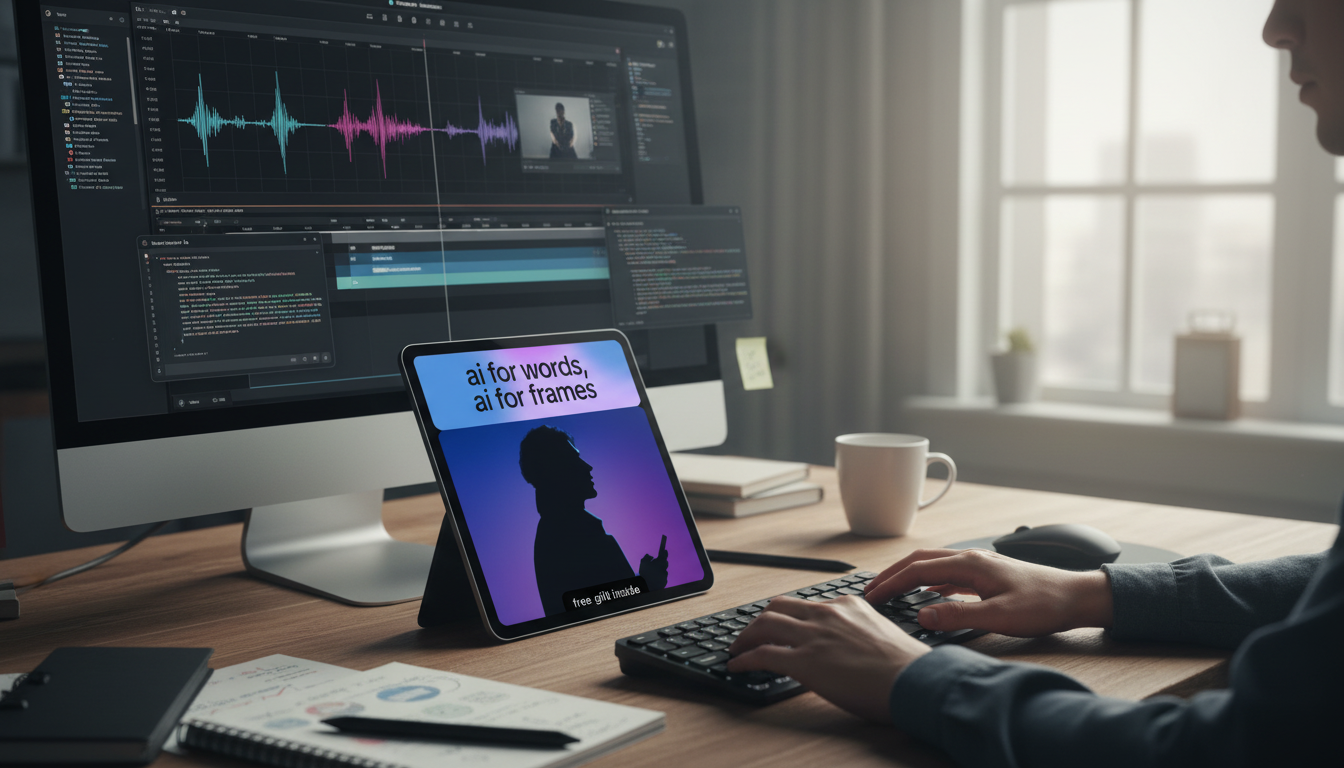
AI for Words, AI for Frames: Faster Creation Without Losing the Plot
AI can speed up drafting, tighten edits, generate visuals, and streamline video post-production—but quality still depends on good inputs, clear standards, and responsible use. The most effective teams treat AI like a junior assistant: great at first passes and repetitive work, but still needing direction, supervision, and final accountability. Below is a practical, workflow-first guide to using “AI for words” (writing) and “AI for frames” (video editing) in ways that stay accurate, consistent, and publish-ready.
What “AI for words” and “AI for frames” means in real workflows
“AI for words” covers the parts of writing that benefit from rapid iteration: expanding ideas, building outlines, drafting sections, rewriting for clarity, aligning tone, generating summaries, and creating consistency checks (like a to-do list of claims to verify). It can also help maintain style rules—terminology, capitalization, or reading-level targets—when those rules are clearly defined.
“AI for frames” applies similar acceleration to moving images: turning a script into shot planning, suggesting b-roll, building rough cuts, generating or correcting captions, reframing for vertical formats, matching color across shots, cleaning audio, and iterating thumbnails.
Where AI fits best is predictable: repetitive tasks, first passes, and pattern-based improvements. Where it struggles is equally predictable: nuance, original reporting, humor and timing, and brand-sensitive decisions where a small tonal shift can change meaning. The most useful mindset is to treat AI output as a starting asset—something to refine through editorial judgment and technical review.
The core toolkit: text, image, audio, and video AI (and what to expect from each)
Most modern creative stacks use four AI categories together:
Text generation and editing
Expect fast drafts, rewrites, headline variations, CTA options, compression/expansion, and reading-level adjustments. The trade-off is that fluent text can still be wrong or off-brand—especially if it contains specifics (dates, stats, quotes) that weren’t provided from verified sources.
Research helpers
Summarizers are best used on materials you already trust (interviews, internal docs, approved sources). The winning pattern is to ask for extracted claims and a verification checklist rather than accepting assertions at face value. This reduces “confidently stated” errors and keeps responsibility with the publisher.
Image tools for creators
These tools shine for concept mockups, background removal, generative fill, upscaling, and style variations for thumbnails or channel art. They can also introduce artifacts (odd fingers, warped text, inconsistent lighting), so human review matters before anything goes live.
Audio tools
Noise reduction, de-essing, leveling, voice isolation, stem separation, and filler-word detection can dramatically shorten polishing time—especially for podcast-style or talking-head workflows. Always A/B test processed vs. unprocessed audio to avoid robotic artifacts or over-compression.
Video tools
A practical pipeline for writers: from brief to publish-ready copy
| Stage | AI can help with | Human checkpoint |
|---|---|---|
| Brief | Question lists, angle ideas, outline variants | Confirm scope, non-negotiables, and required sources |
| Draft | First draft, rewrites, expansions, tone variants | Ensure originality, clarity, and audience fit |
| Edit | Conciseness, transitions, headline options | Remove inaccuracies and enforce brand voice |
| Verify | Claim extraction and verification checklist | Check sources and correct errors |
| Publish | Meta description alternatives, snippet-friendly summaries | Final read-through and compliance review |
A practical pipeline for video editors: from footage to final cut
Quality control: keeping AI output consistent, accurate, and on-brand
Rights, disclosure, and ethical guardrails
AI workflows touch copyright, consent, and consumer-protection issues. Tool policies vary, so confirm licensing terms for any generated or modified asset and keep records of what was created and how it was edited. For U.S. guidance on registering works with AI-generated material, consult the U.S. Copyright Office.
Avoid using a real person’s voice or likeness without explicit permission. Handle data carefully: don’t paste confidential client information into tools that lack strong privacy controls. When AI materially contributes to advertising or endorsements, follow consumer-protection expectations; the FTC’s business guidance is a useful reference point. For risk-oriented governance and documentation, the NIST AI Risk Management Framework provides a structured approach.
Putting it all together with “AI for Words, AI for Frames”
For a ready-to-run playbook that connects scripting, editing, and final delivery standards, use AI for Words, AI for Frames: A Complete Guide to AI Tools for Writers and Video Editors. It’s built around practical frameworks—briefs, revision loops, and post-production checklists—so teams can scale output without letting quality drift.
Creators who need better capture to match faster post-production can also pair the workflow with capable hardware like the SG109 Max 2 4K FPV Camera Drone with 3-Axis Gimbal & Obstacle Avoidance, especially for b-roll, location establishing shots, and smooth motion footage that’s easier to cut.
FAQ
Can AI replace a writer or video editor?
AI can accelerate drafts, rough cuts, captions, and other repetitive tasks, but it doesn’t replace human judgment for originality, story, accuracy, taste, and accountability. The best results come from using AI to speed up the first 80% and relying on people for the final decisions.
How can AI be used without spreading inaccuracies?
Extract claims from the draft, verify each one against reliable sources, and correct anything that can’t be supported. A final editorial review—focused on names, numbers, dates, quotes, and implications—helps prevent fluent but incorrect output from slipping through.
What’s the fastest way to start using AI across both scripting and editing?
Run a small pilot workflow: brief → outline → script → transcript-based rough cut → captions → final polish, using a shared style reference and simple checklists at each step. Once the team agrees on standards, scale the same loop across more projects.
















Leave a comment